 S1
S1
Loop visualizer · single file · zero deps
See your loops
See your loops
actually run.
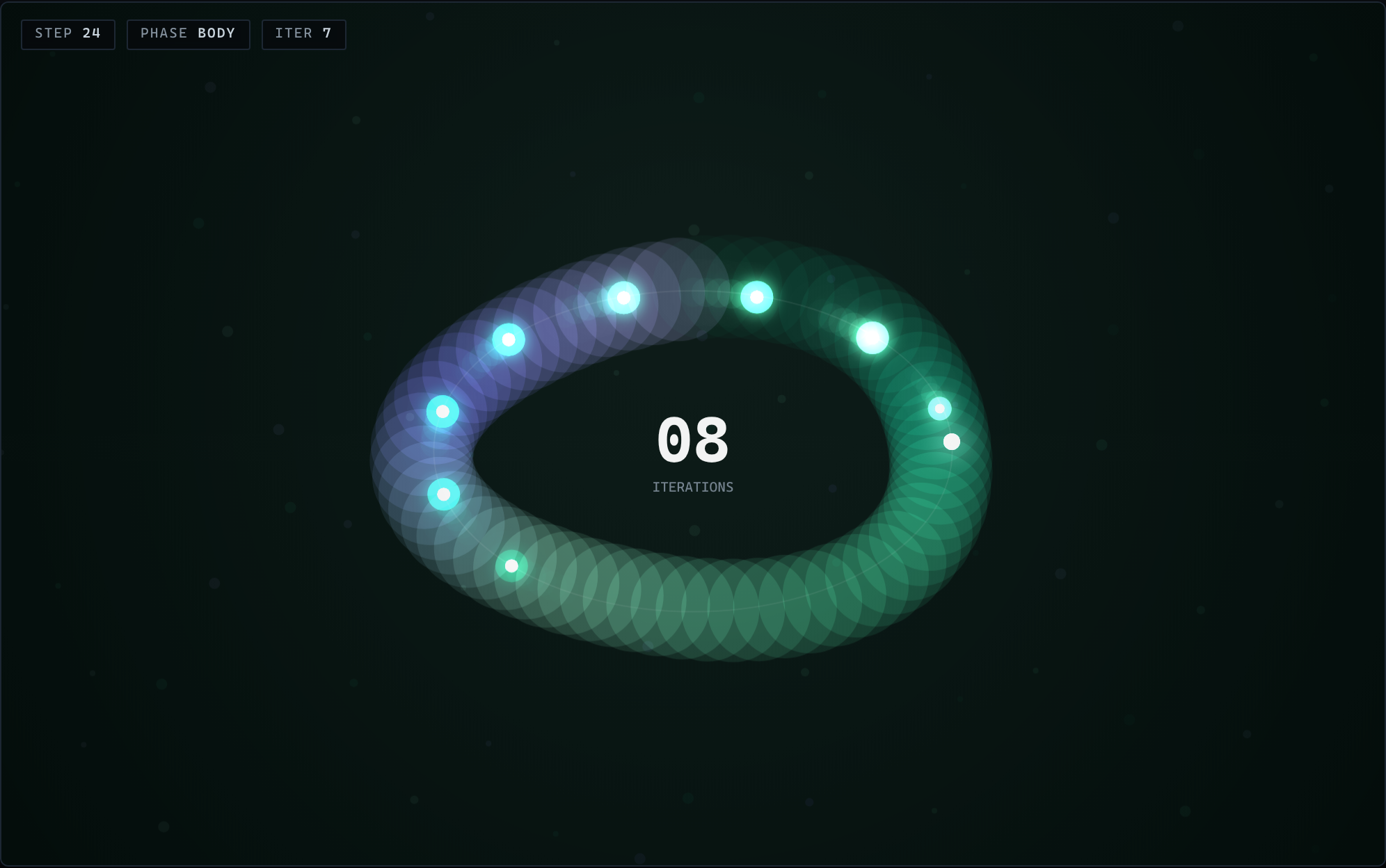
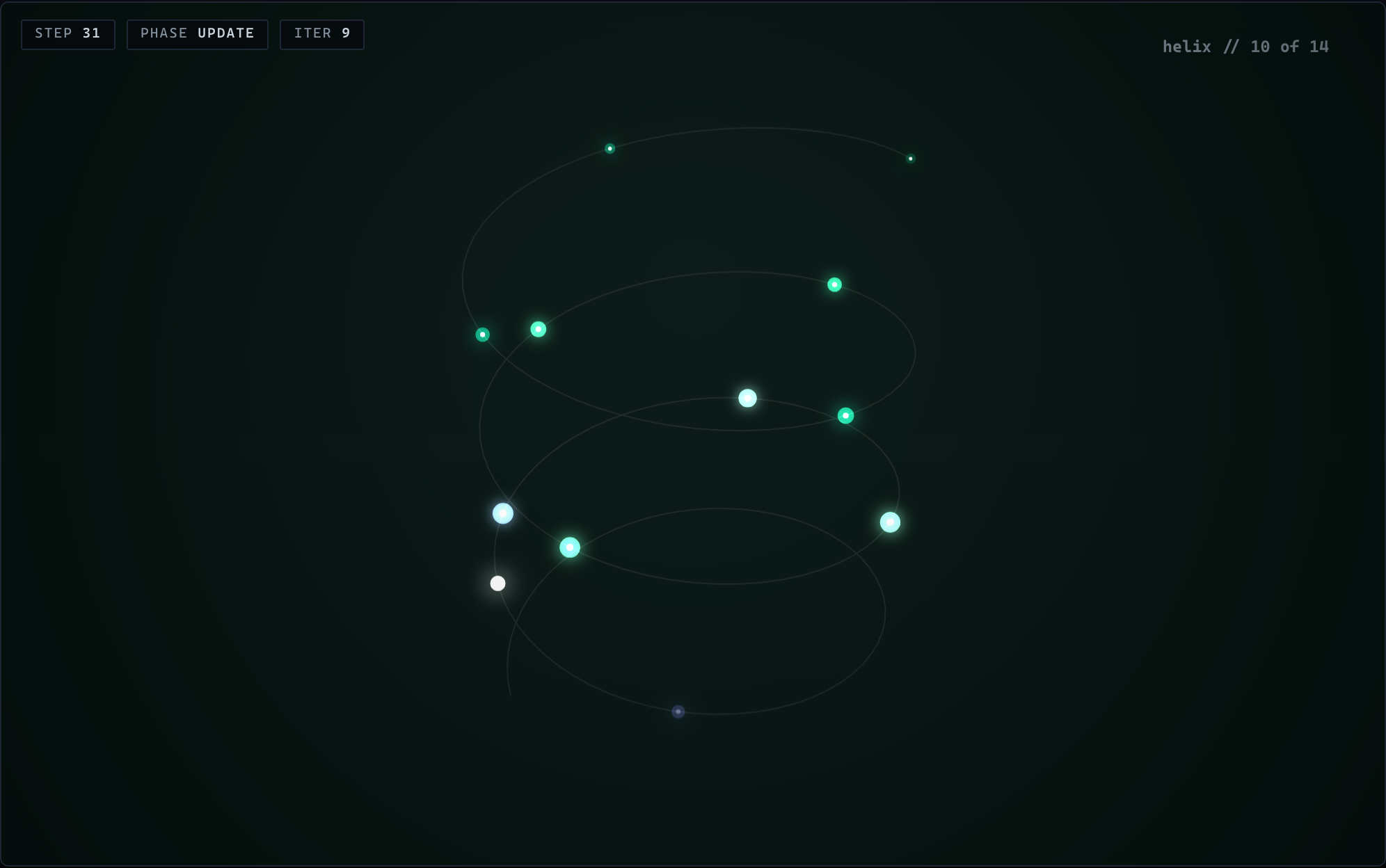
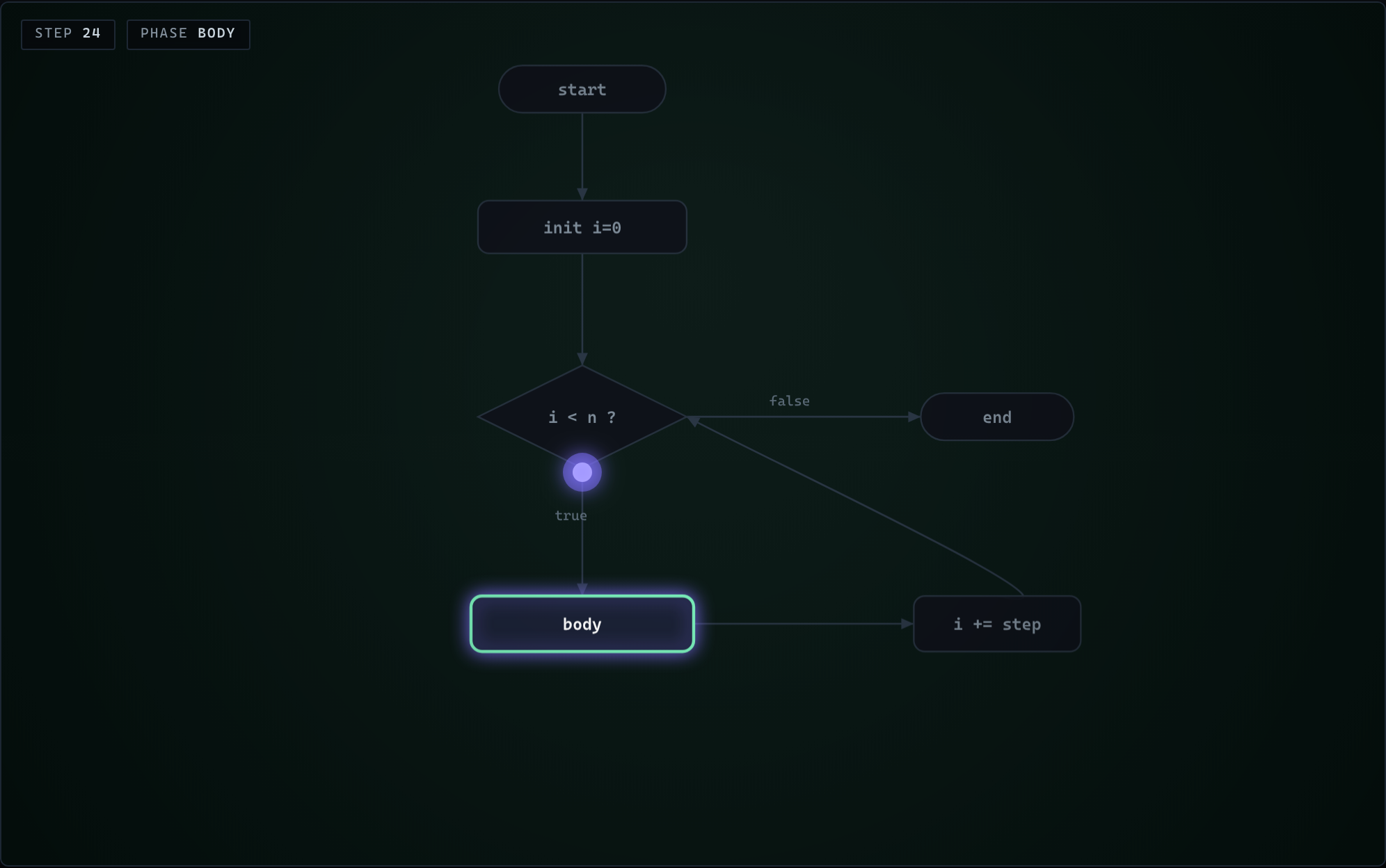
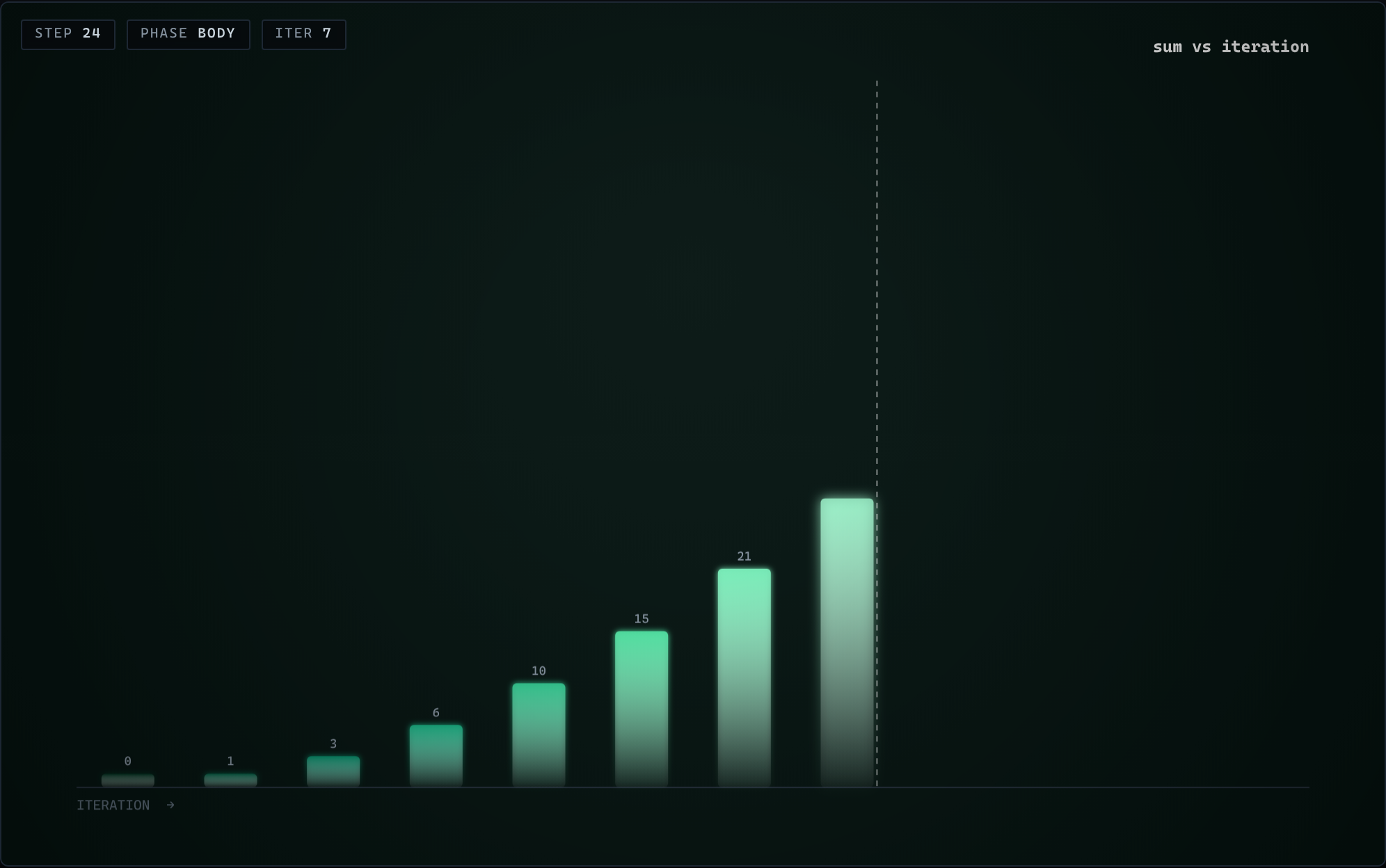
Loopscape turns any program loop into a living instrument panel — glowing flow rings, rotating 3D helixes, control-flow graphs and more. Watch iterations tick, phases light up, and variables pulse in real time.
Dark · monospace · honours prefers-reduced-motion. Runs entirely in your browser.
00
iterations
live · 60fps canvas
0
Visual styles
0
Color themes
0
Export formats
0
Self-contained file
0
Dependencies
01 — Styles
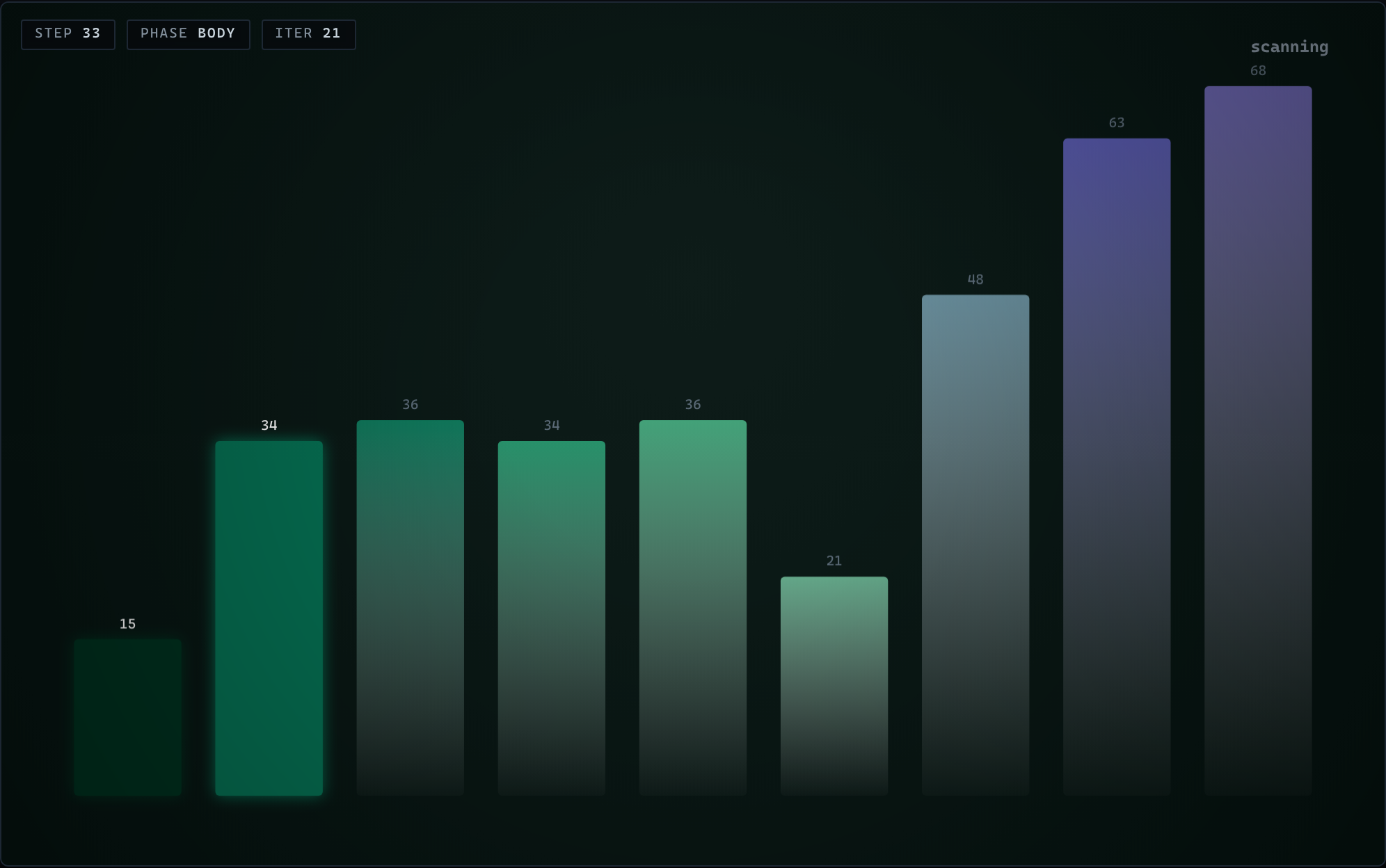
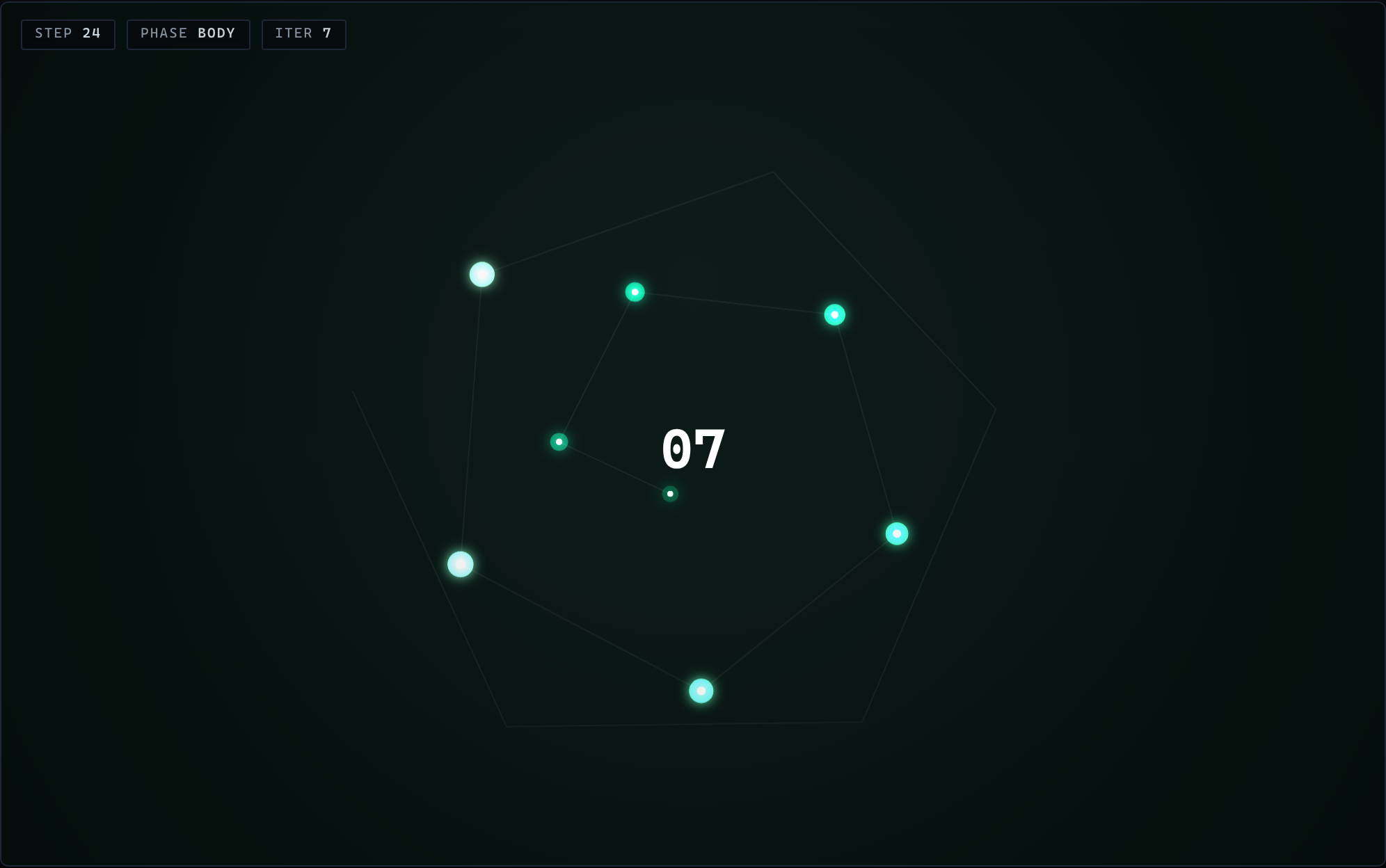
One loop, six ways to see it.
Every representation is driven by the same iteration state, so you can read a loop as motion, as depth, or as structure — whichever makes it click.
S1
 S2
S2
 S3
S3
 S4
S4
 S5
S5
 S6
S6
02 — Themes
Six palettes, tuned for the dark.
Each theme is a hand-picked gradient ramp that colors every particle, edge and bar. Hover a palette to preview it — or click the logo up top to cycle the hero.
Plasma
Iridescent
Cyberpunk
03 — Exports
Ship it anywhere.
Grab a still, a scalable vector, a smooth video, or a loopable GIF — all rendered right in the browser, no server round-trip.
PNG
.png · raster stillA crisp frozen frame at native resolution — drop it in a slide or a doc.
SVG
.svg · vectorInfinitely scalable geometry — perfect for print or crisp retina embeds.
WebM
.webm · videoButtery full-motion capture of a complete run, encoded live in-tab.
GIF
.gif · animatedA themed-palette animated loop, quantized and encoded to GIF89a inline.
04 — Your terminal
Visualize your own loops.
Install the Loopscape skill and your coding agent will render your real code. Point it at a file and it generates a visualization — and exports a GIF of every loop.
1 · Install the skill
npx skills add max-hester/loopscape@loopscape -g -y
or drop the skill folder into ~/.claude/skills/loopscape manually.
2 · Ask it to visualize
Ready-to-run prompt
Use the loopscape skill to visualize the loops in @path/to/file and export a GIF of each.
1 · Install the skill
curl -fsSL https://raw.githubusercontent.com/max-hester/loopscape/main/install.sh | sh
2 · Ask it to visualize
Ready-to-run prompt
Visualize every loop in this file with Loopscape and save an animated GIF per loop.
This runs on your own machine. The command hands the job to your local coding agent — this page never connects to your computer or sees your code.
05 — Live
The whole tool, right here.
Switch styles, spin themes, scrub the loop and fire an export. This is the real Loopscape, embedded.
06 — Get it
One file. Yours to keep.
Download Loopscape and open it anywhere — no install, no build, no account. It works offline the moment it lands in your downloads folder.
~58 KB · single self-contained HTML · zero dependencies